The streaming studio that travels light. Set course.
A native desktop app. Capture, go live, record, and read chat in one calm window, so your frames stay in the game.
On the Microsoft Store.
See Acrux Studio in action
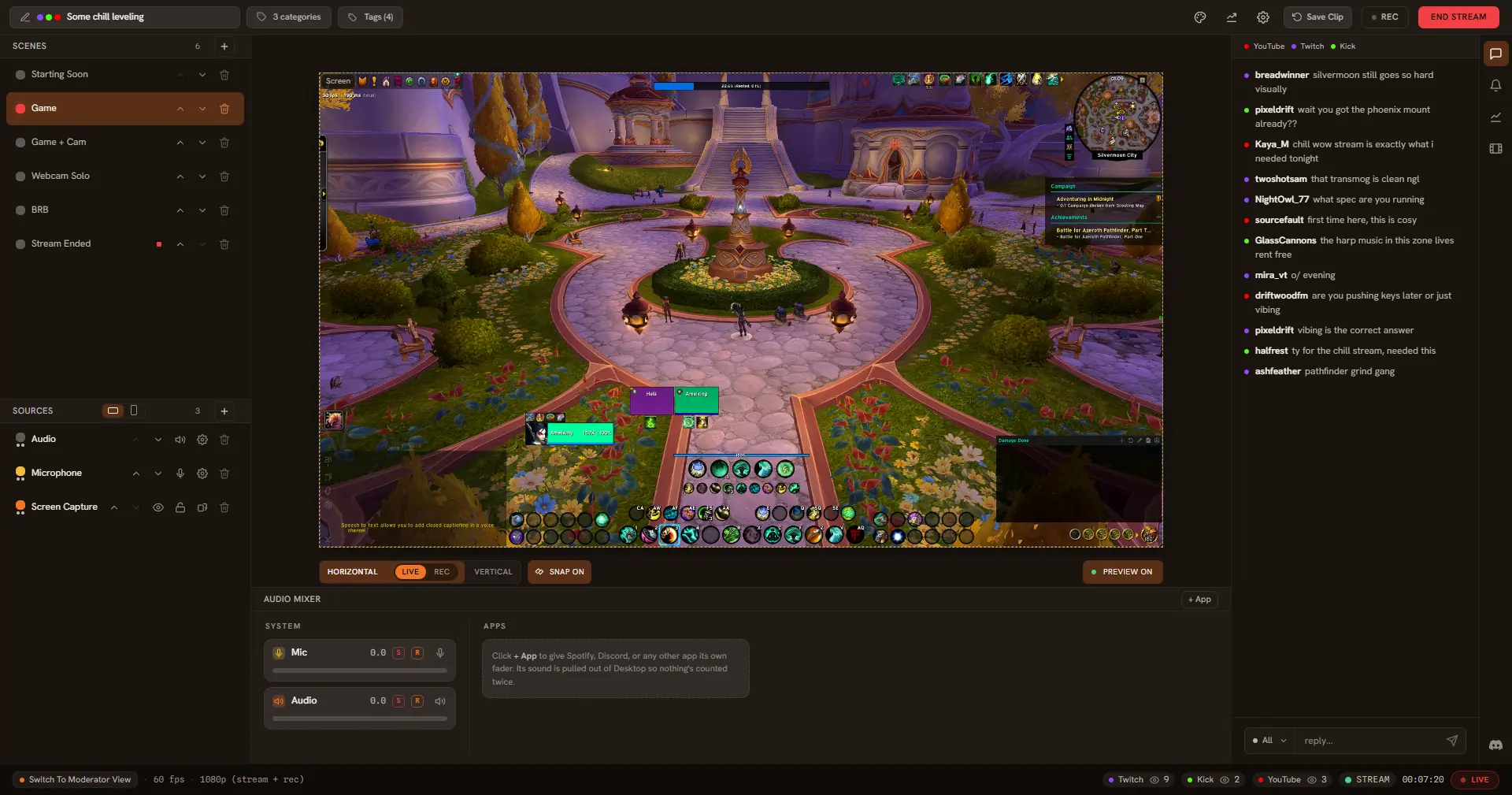
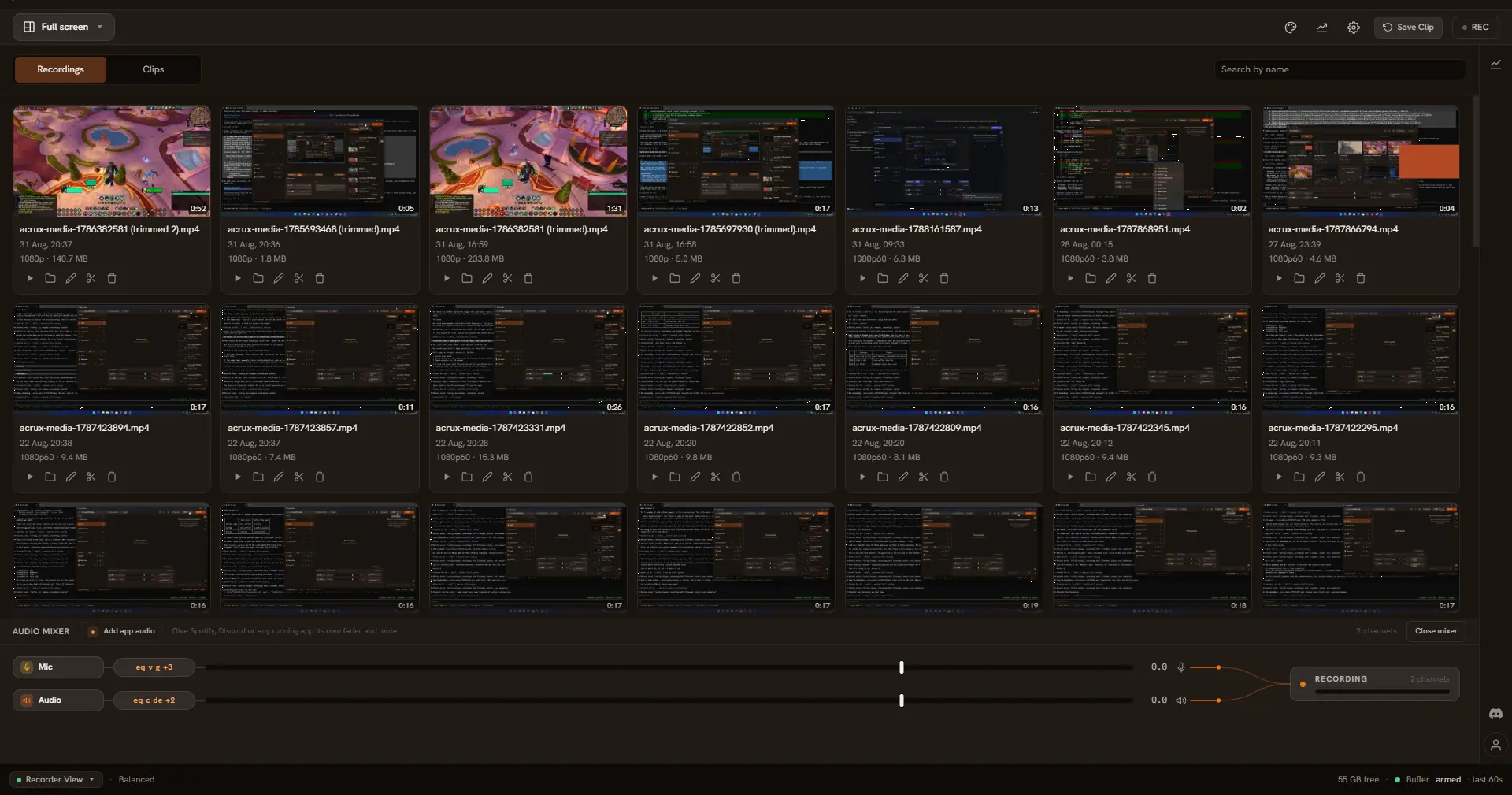
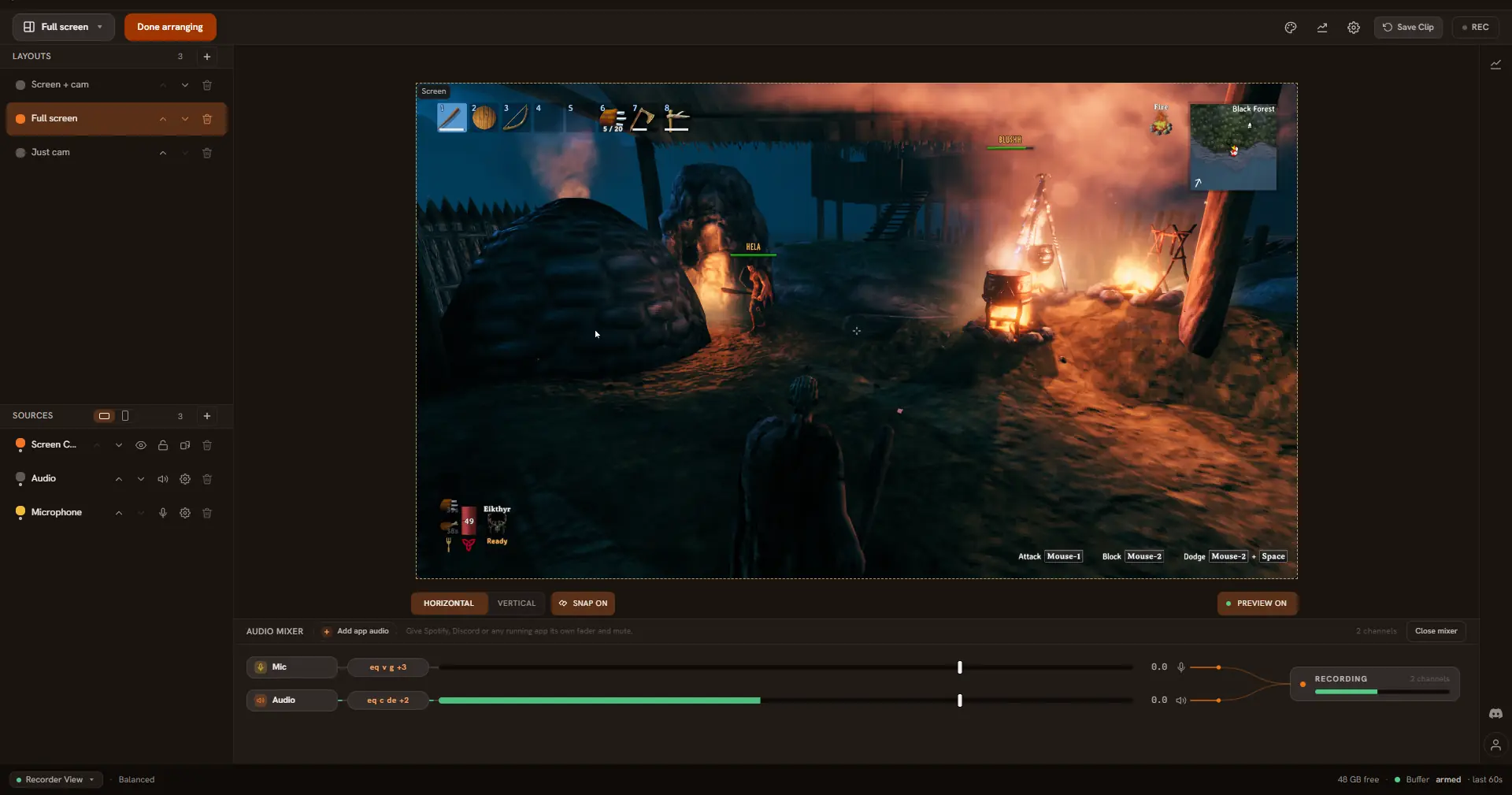
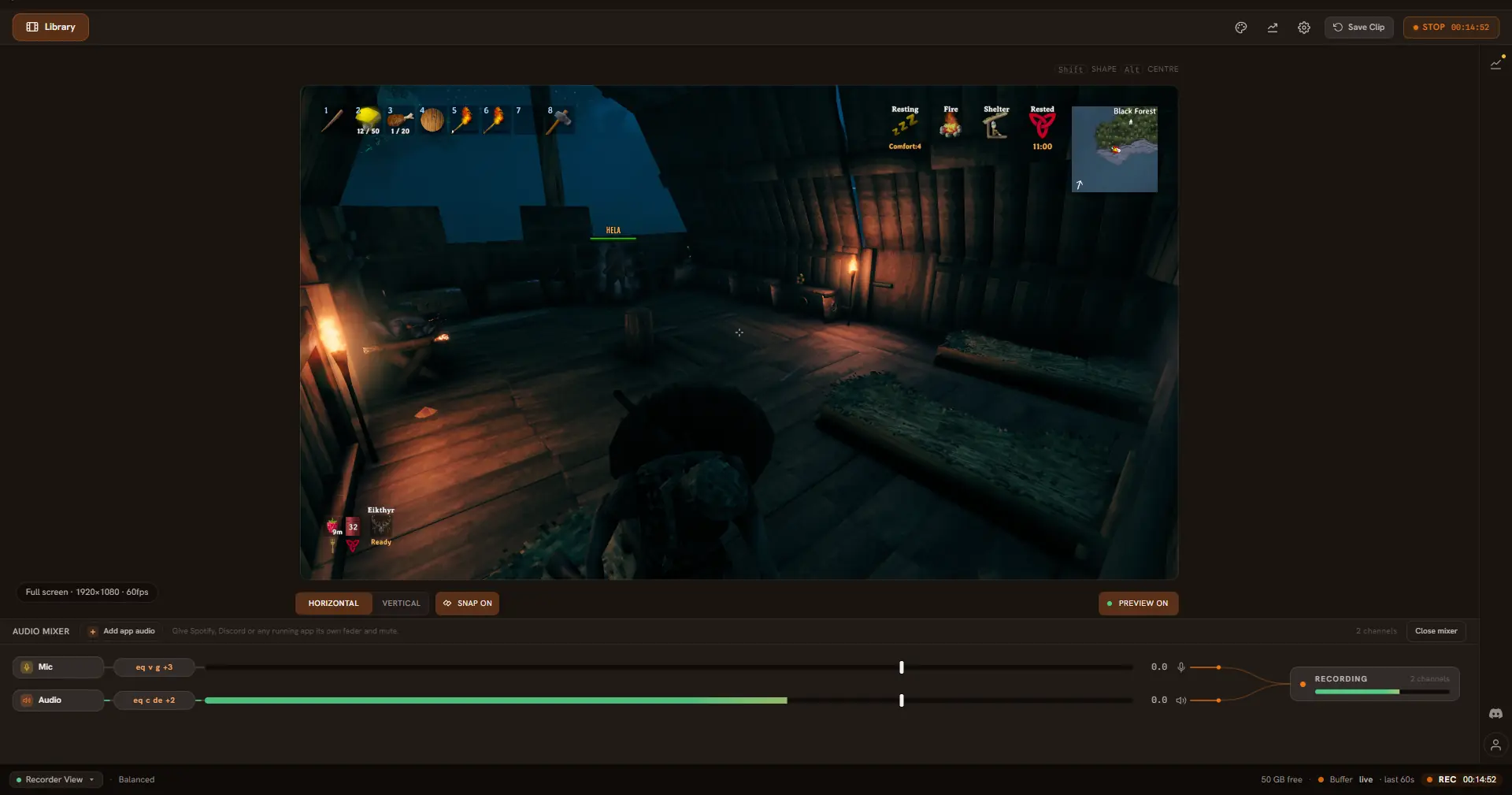
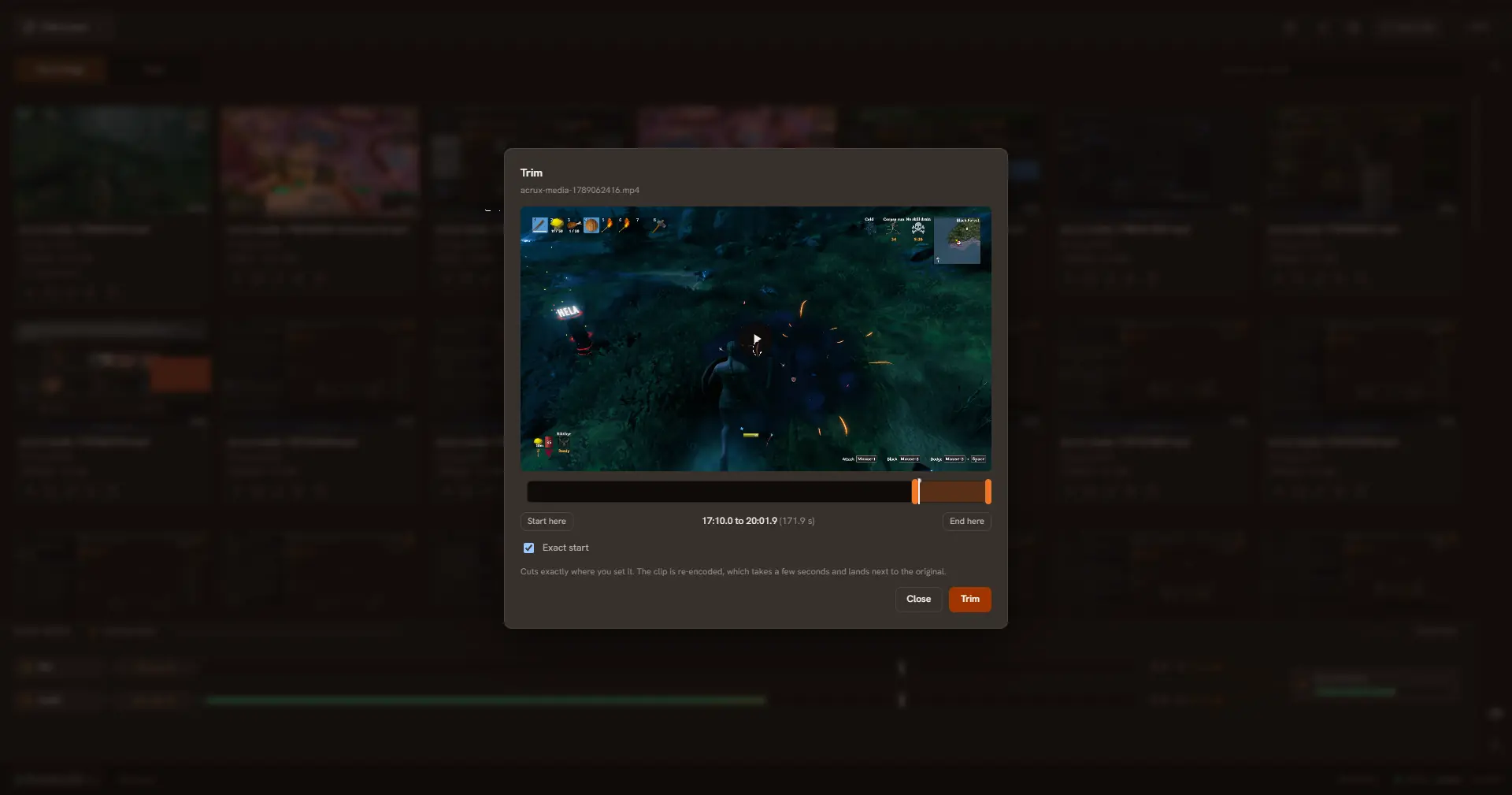
The whole studio in one window.
Live to Twitch, YouTube, and Kick at the same time, with every chat in the same panel.
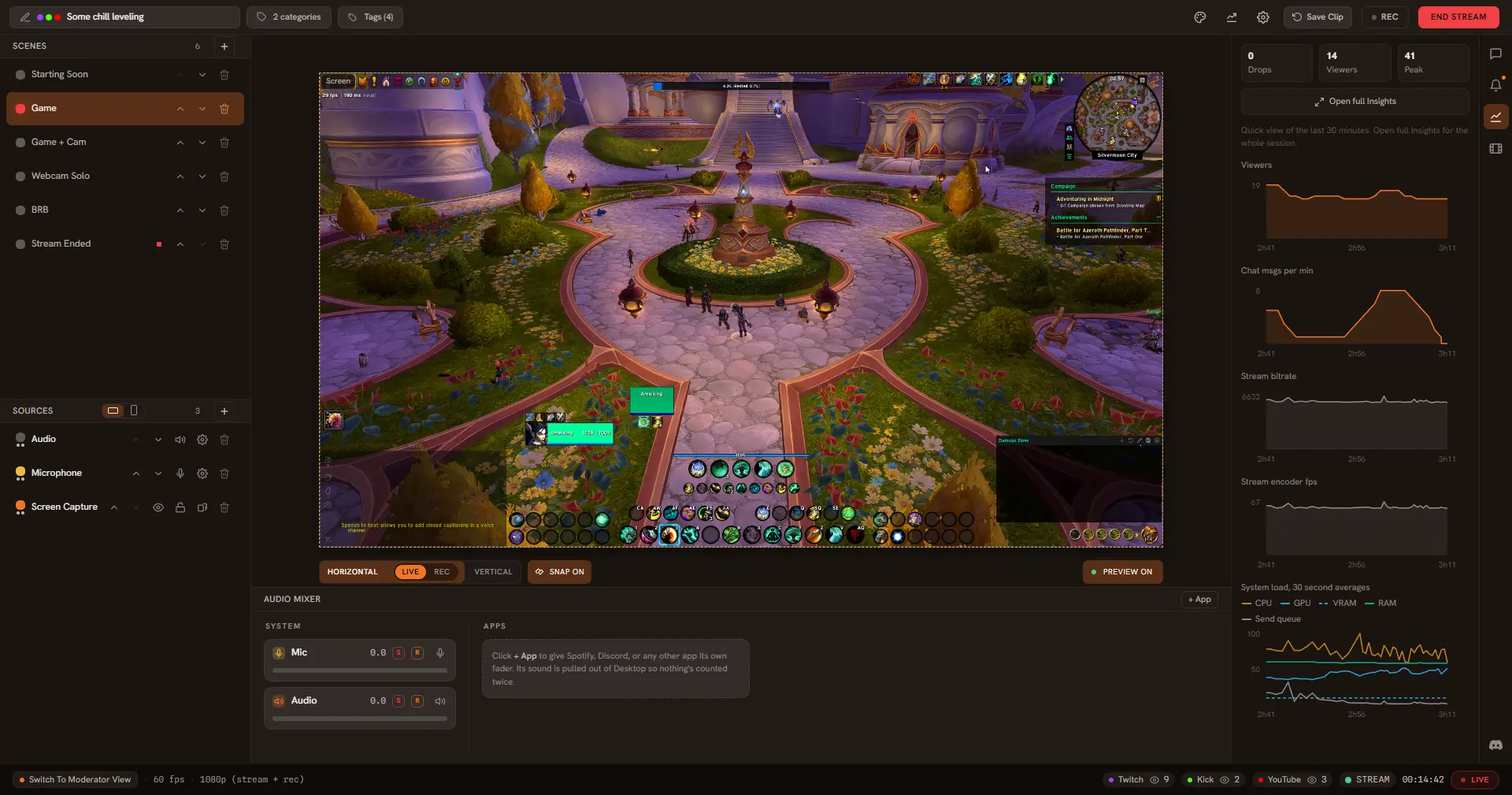
See how the stream is doing.
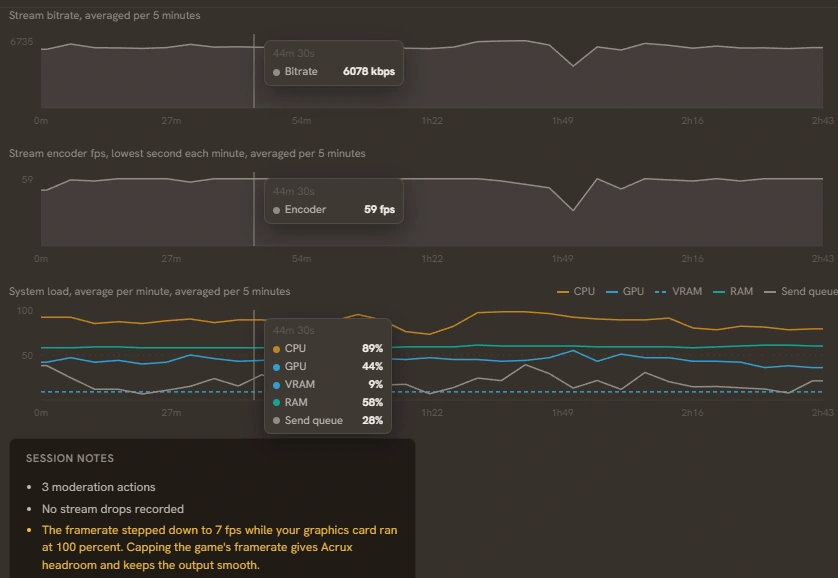
Viewers, bitrate, framerate and system load, live in the same window. There is no dashboard to open in a browser tab.
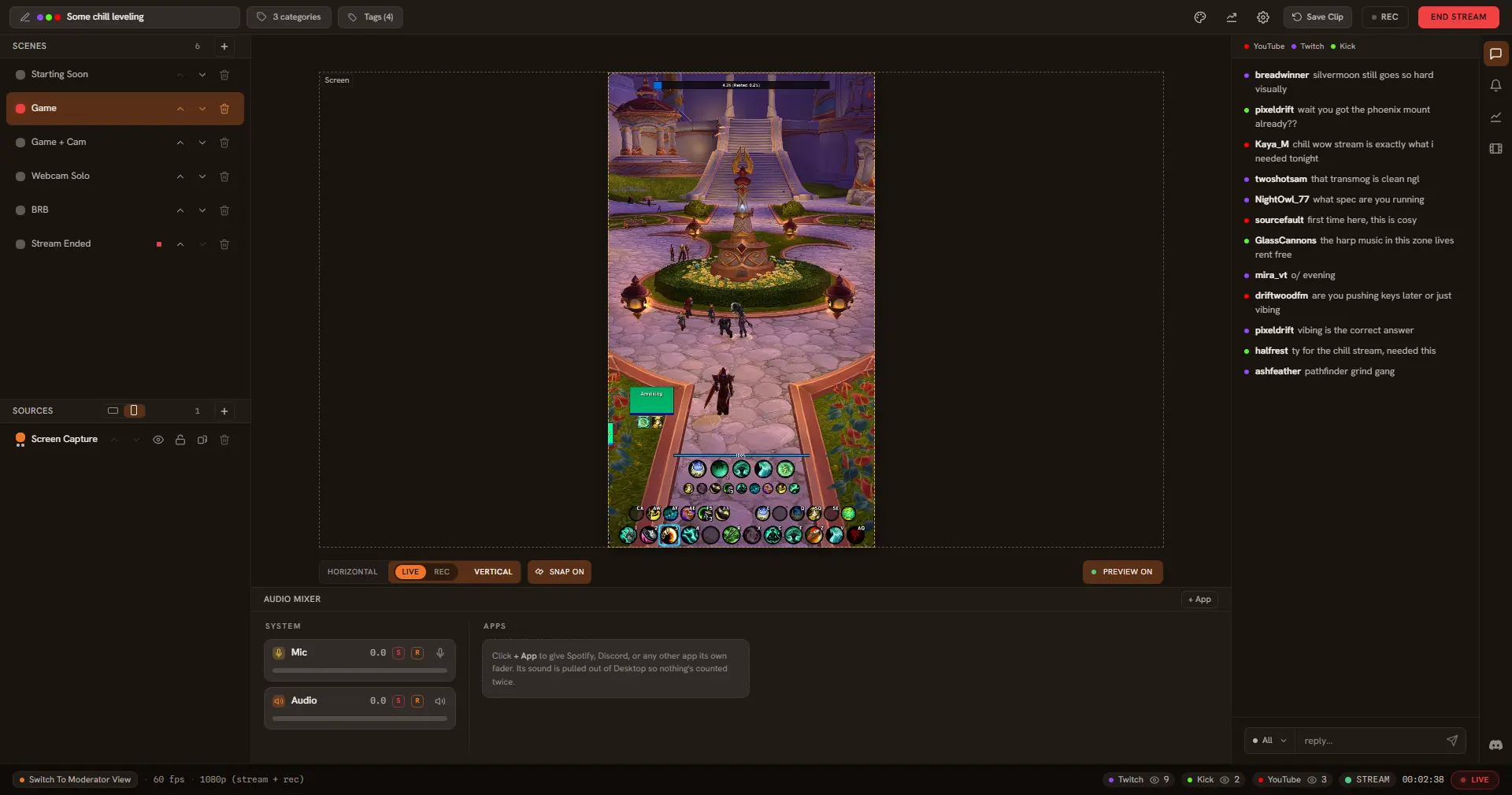
Vertical is built in.
A second 9:16 canvas with its own layout in every scene. Each destination picks the canvas it gets, so one can take widescreen while another takes portrait.
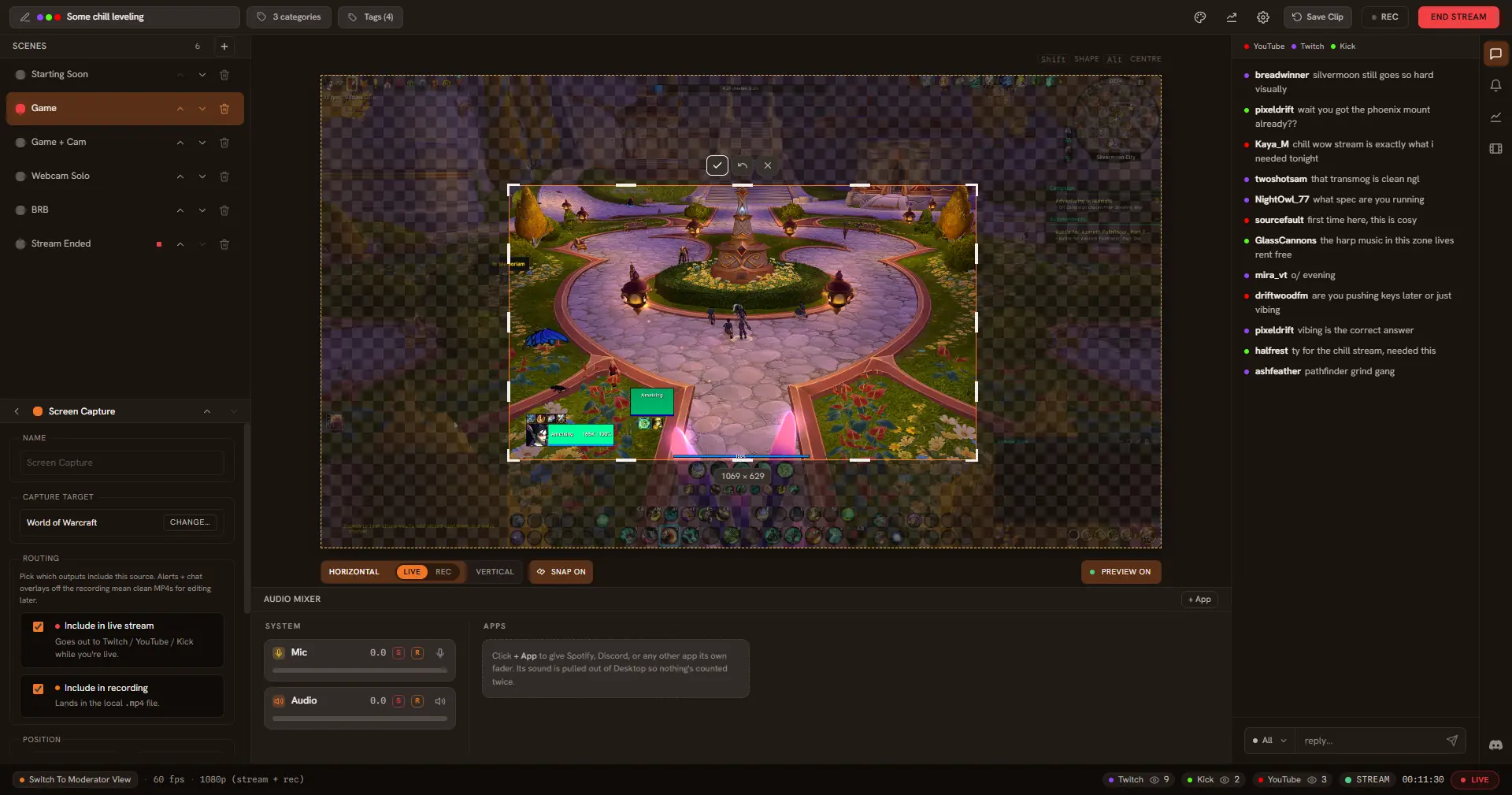
Crop it on the canvas.
Drag the edge of any source to trim it where it sits. Captures keep their own aspect, so nothing ends up stretched.
Your clips are yours.
Record and clip straight to a file on your PC. No account, no watermark, no upload, and nothing trains on your footage.
Lay out what Record captures.
Screen, webcam, an overlay. Drag them where you want them and save it as a layout. Switch layouts with a hotkey, even mid-recording.
The buffer tells you it is armed.
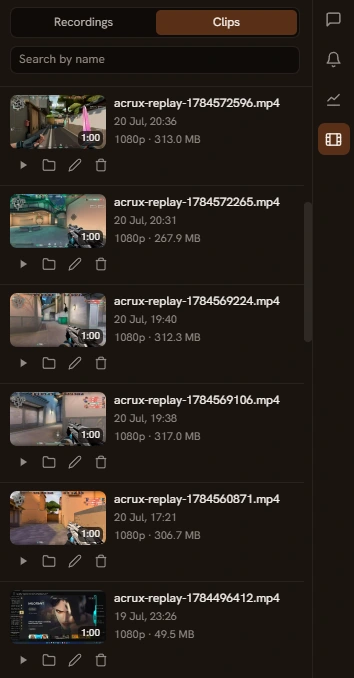
The last 15 seconds to 10 minutes are always ready. Press the hotkey mid-game and the clip lands in the library, even while a full recording runs.
Trim where you marked it.
Drop a bookmark with a key while you record. The trim handles snap to it, so cutting the moment takes seconds, not scrubbing.
Your mods get their own view.
One click swaps the studio for a moderation station. The stream fills the window and every chat lands in a single feed.
One tool, not a stack.
Streaming today means OBS for capture, Streamlabs for alerts, StreamElements for overlays, and a browser full of dashboards behind them. Acrux Studio is a native alternative to all three. It folds the essentials into a single window: scenes, sources, an audio mixer, chat, and a Go Live button.
Compare Acrux with OBS or Streamlabs.
-
Capture
Screen and mic, picked in one settings panel. No plugin hunt.
-
VTuber
Bring your avatar from VTube Studio or VSeeFace straight into your scenes, transparent, with no green screen.
-
Shape
Crop, rotate, and round the corners of any source right on the preview. Drag to trim, and snapping keeps things straight.
-
Vertical
A second 9:16 canvas for phone screens, with its own layout in every scene. Send one platform widescreen and another portrait in the same session.
-
Go live
One button and you are live on Twitch, YouTube, and Kick at the same time, with your title, category, and tags set from the same panel. TikTok works with a stream key.
-
Record
Save your stream as a normal video file on your PC.
-
Clip
Save the last moments as a clip with one button or a hotkey, even when you are not recording or streaming.
-
Hotkeys
Mute your mic, switch scenes, or save a clip with a keypress that still works mid-game. Each one answers with its own soft sound.
-
Chat
Twitch, YouTube, and Kick chat in the same window, with moderation built in. Your second monitor is free again.
-
Alerts
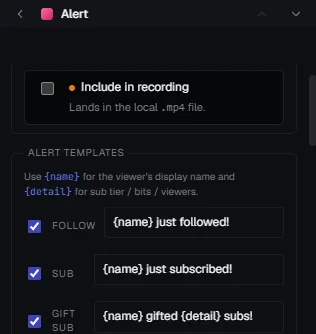
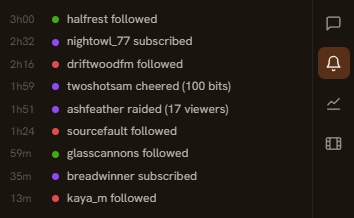
A follow, sub, gift, or raid on Twitch or Kick fades a line of text onto your stream with a sound. Plain text, not a video overlay, and nothing to wire up: no browser source, no separate alert account.
-
Adapt
If your internet or PC hits a rough patch, Acrux eases bitrate and frame rate down and back up on its own. Your viewers keep watching a clean stream.
-
Insights
See how every stream and recording went. Viewer, bitrate, and framerate graphs sit on one timeline, and Acrux tells you in plain words when frames drop.
-
Moderate
A full moderator view built in. Acrux is for your mods too, not just for you.
Built like a game engine,
not a browser.
Acrux is a true native app with its own graphics engine. There is no hidden browser inside, and your frames go from screen to stream on the graphics card, where this work belongs. That leaves your processor free to run the game.
- Capture Your screen and mic
- Compose Scenes assembled on the graphics card
- Encode Turned into video by your GPU
- Live Sent straight to Twitch, YouTube, and Kick